⚙️ Profile Settings
🧭 Navigating the Profile Page
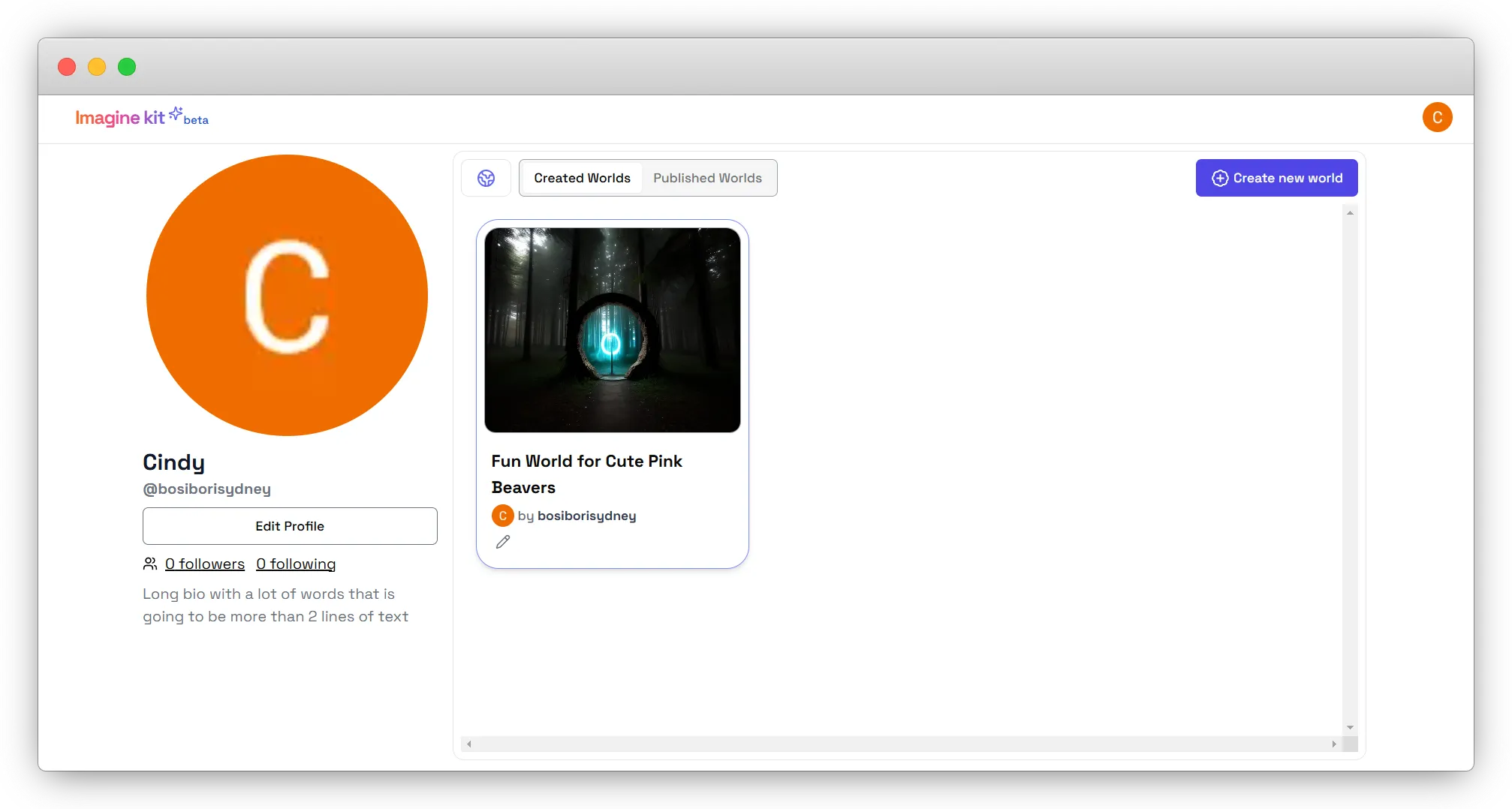
Once logged in, you will be taken to your Profile Page, which includes:
- Profile Picture: A default avatar or your uploaded image.
- Username and Handle: Displayed under the profile picture.
- Edit Profile Button: Click to update your details such as your user name, display name, bio, and profile image.
- Followers and Following Count: Displays your social connections.
- Created and Published Worlds:
- Created Worlds: Shows projects you have built.
- Published Worlds: Displays publicly shared experiences.
- Create New World Button: Allows you to start a new project.